FAQs Page

universal question

Get every single answer

Getting Started with Libra
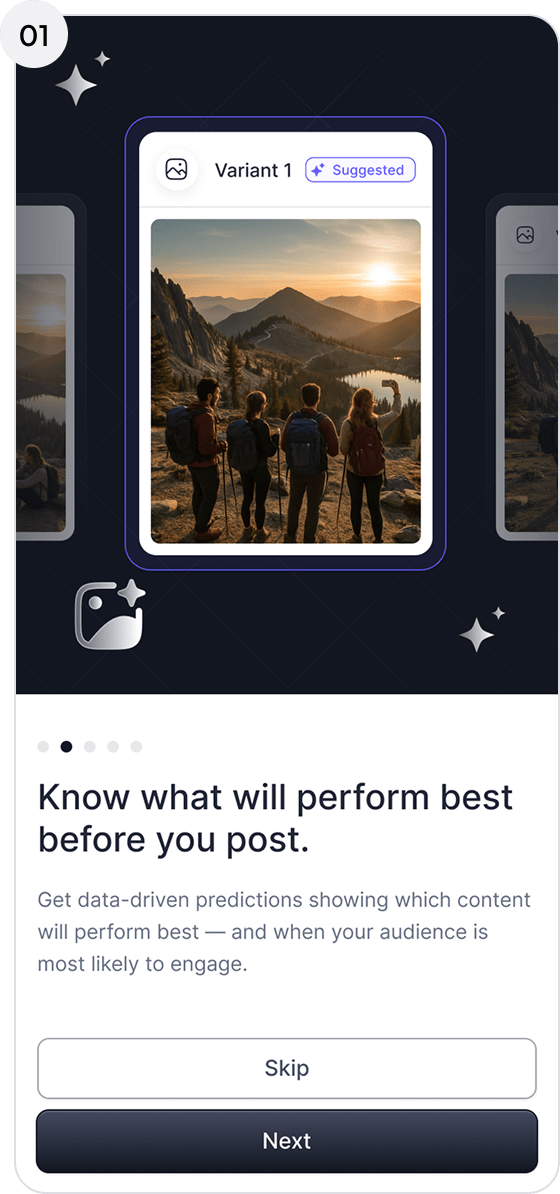
Click Next on the Libra homepage

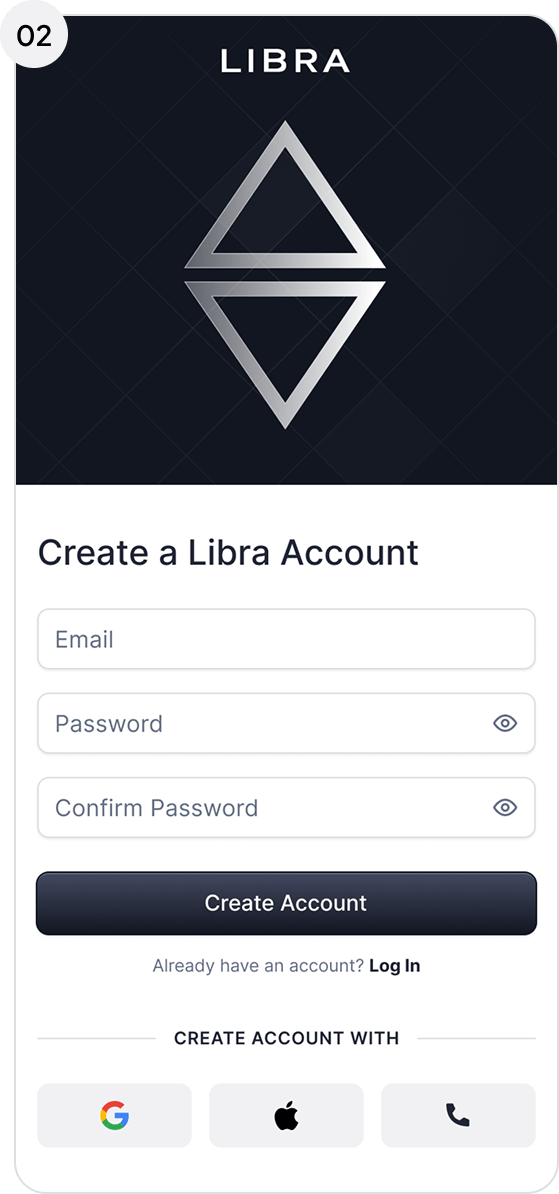
Click Register Now and enter information

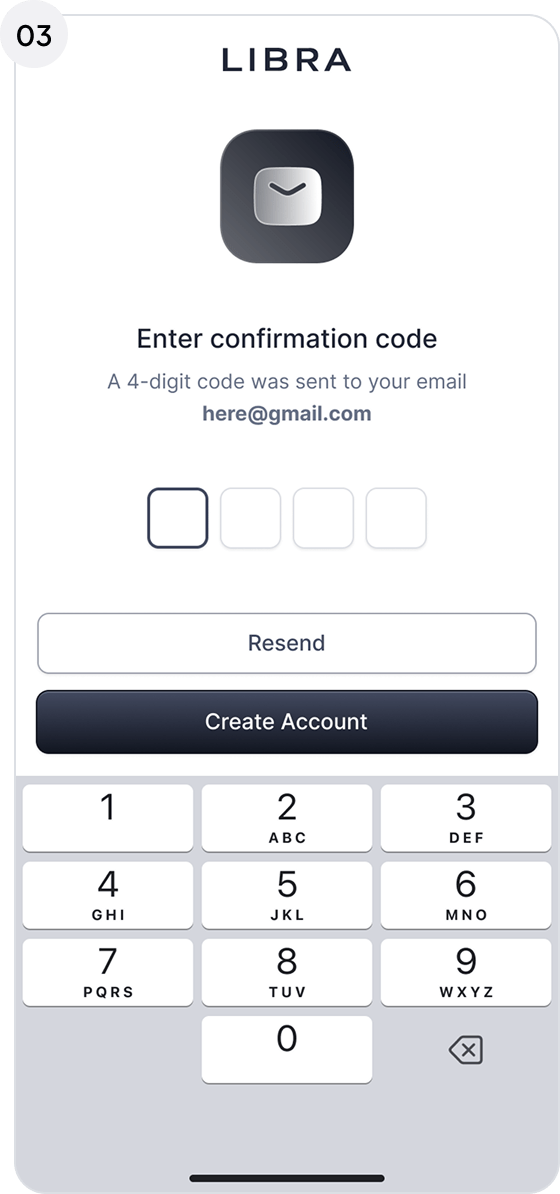
Verify your confirmation code

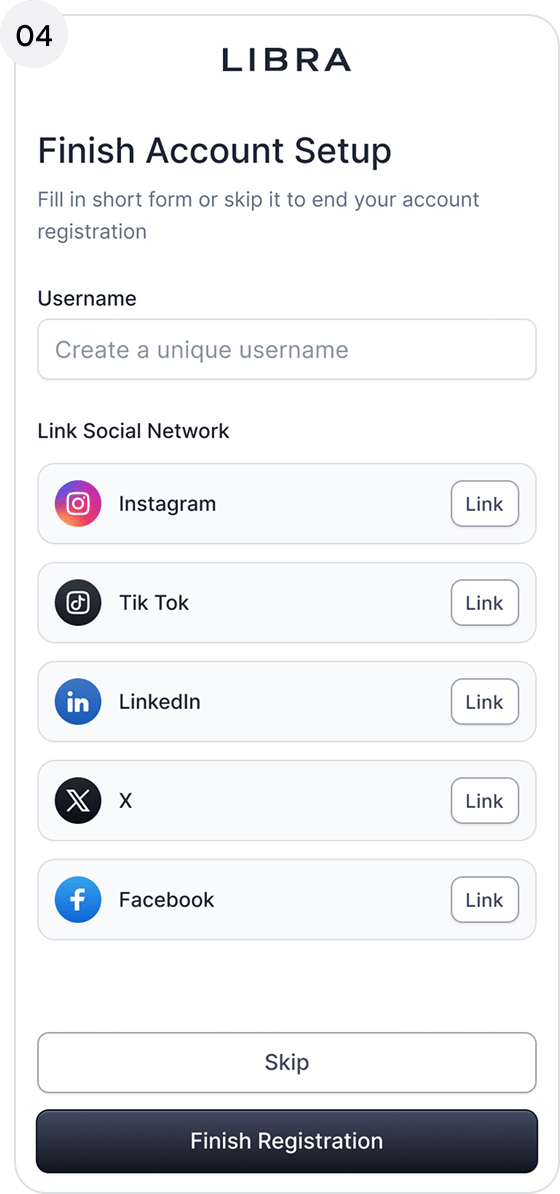
Finish registration and account setup by linking your socials

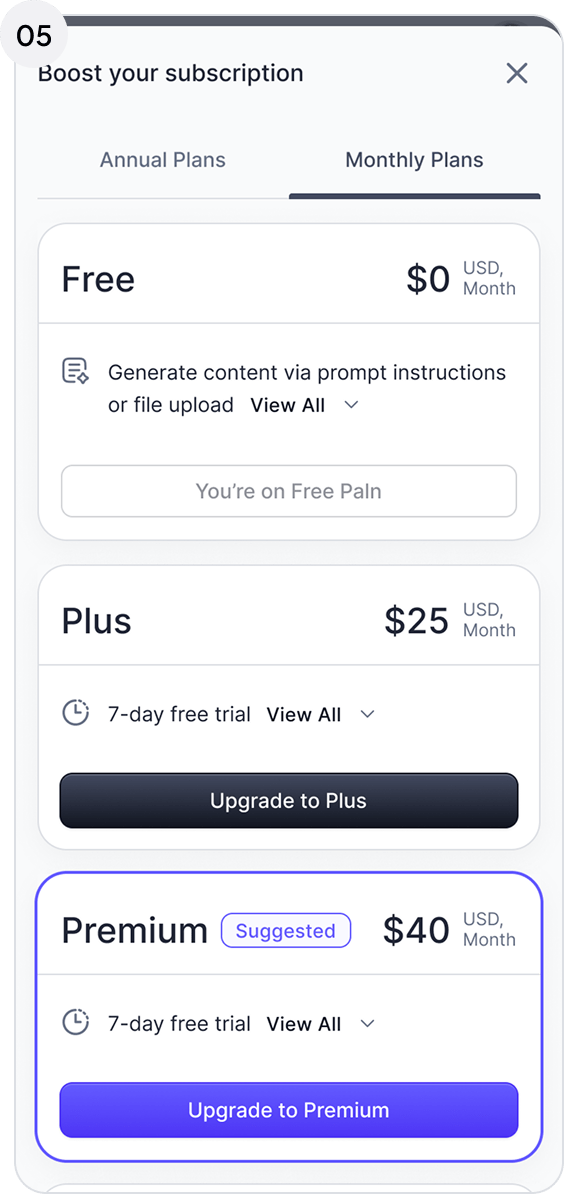
Select a subscription tier based on your needs and preferences

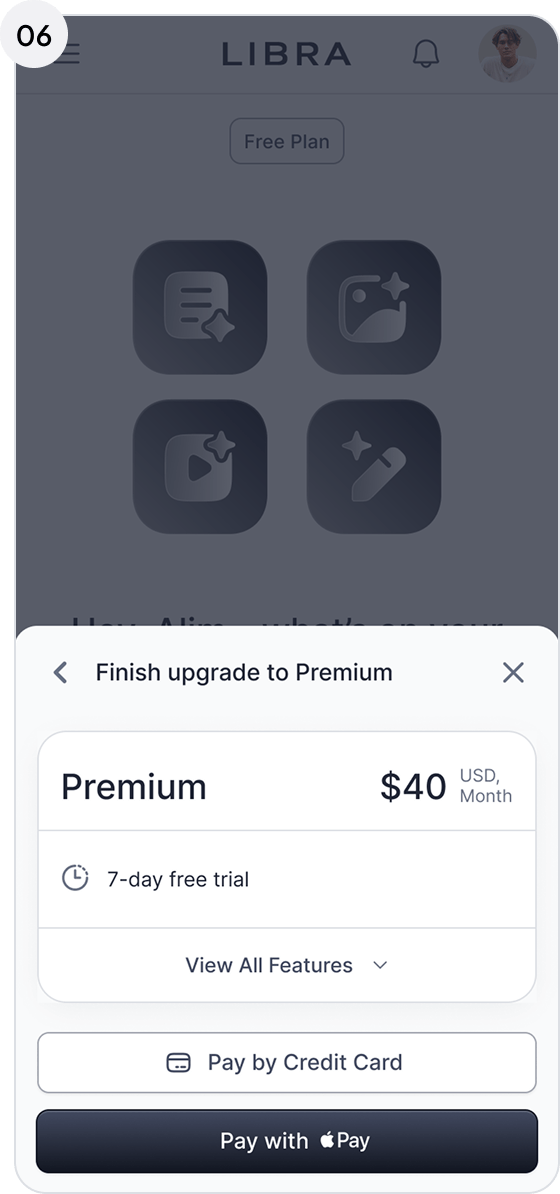
Link payment method and pay for Libra’s services

You’re in—welcome to Libra! 

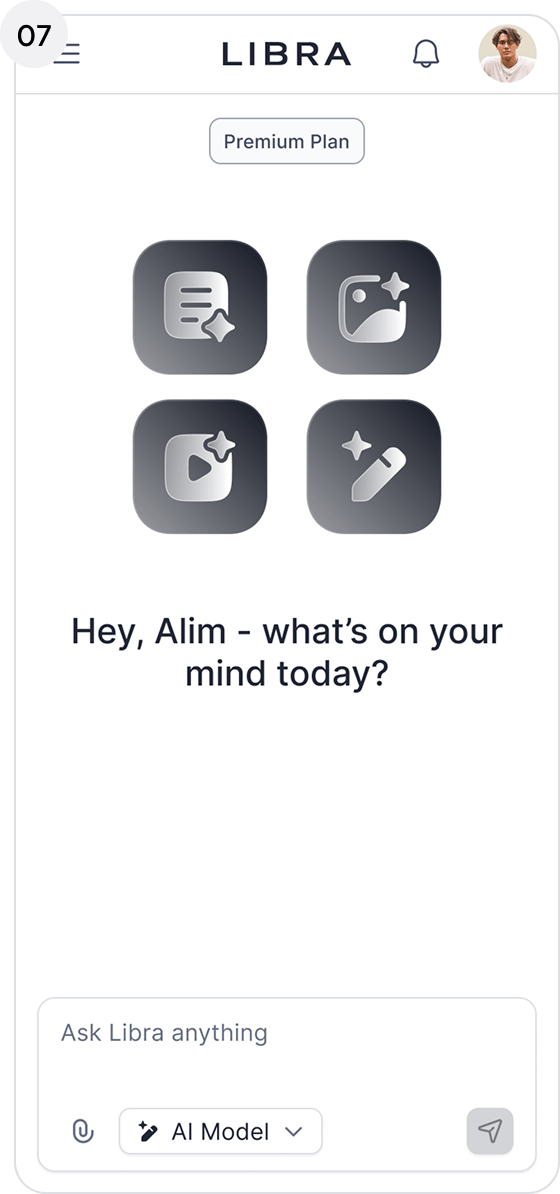
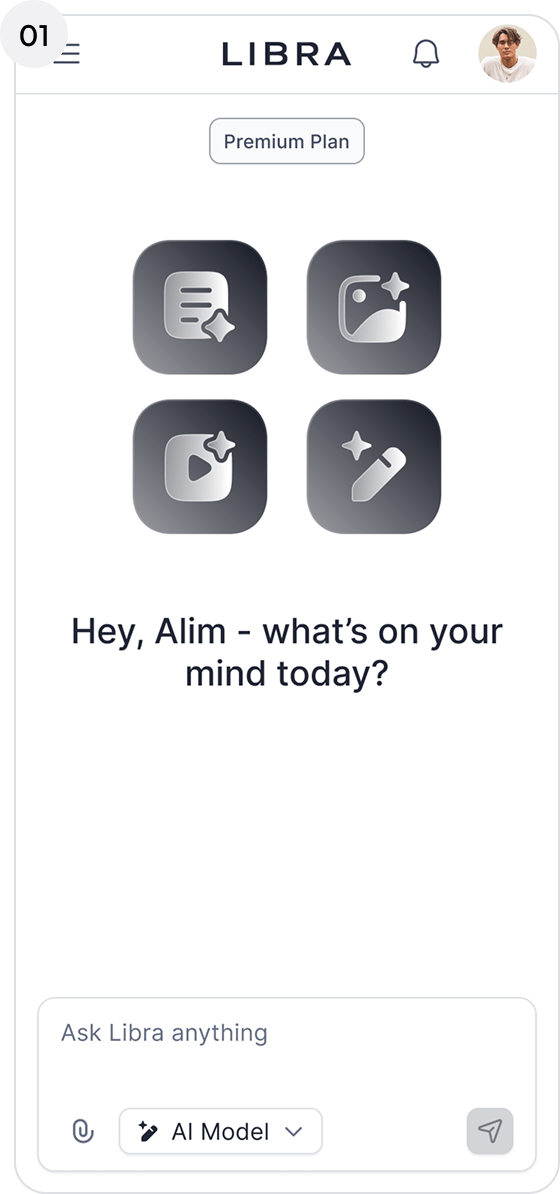
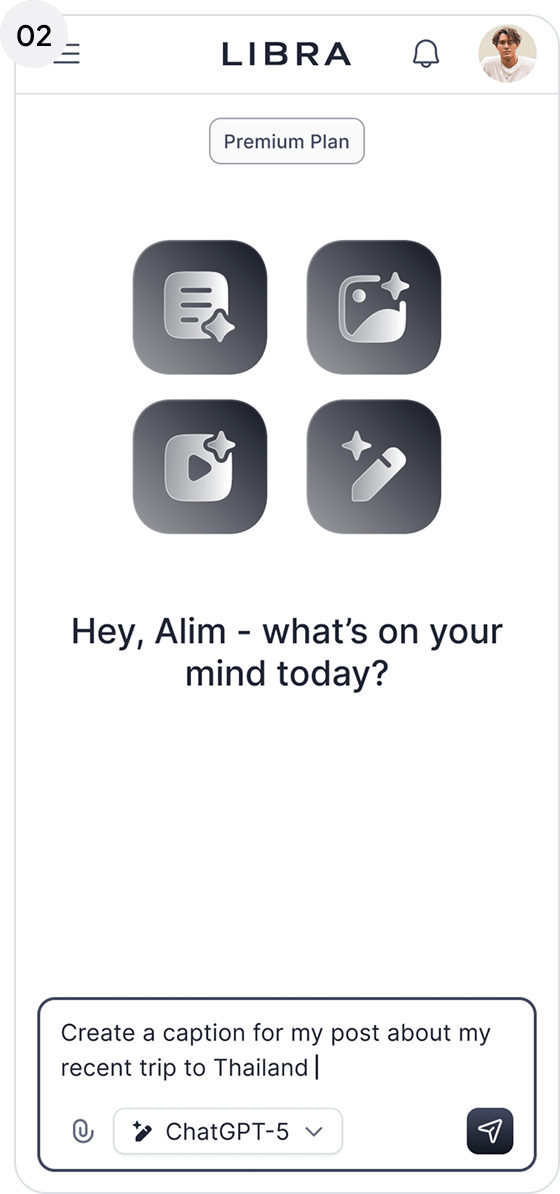
From the homepage, enter a brief description of the content you want to create (text, image, or video), including style, tone, and messaging. You can also upload media attachments for editing.

Libra automatically selects the optimal AI model to complete your request, or you can manually choose a model based on your preferences.

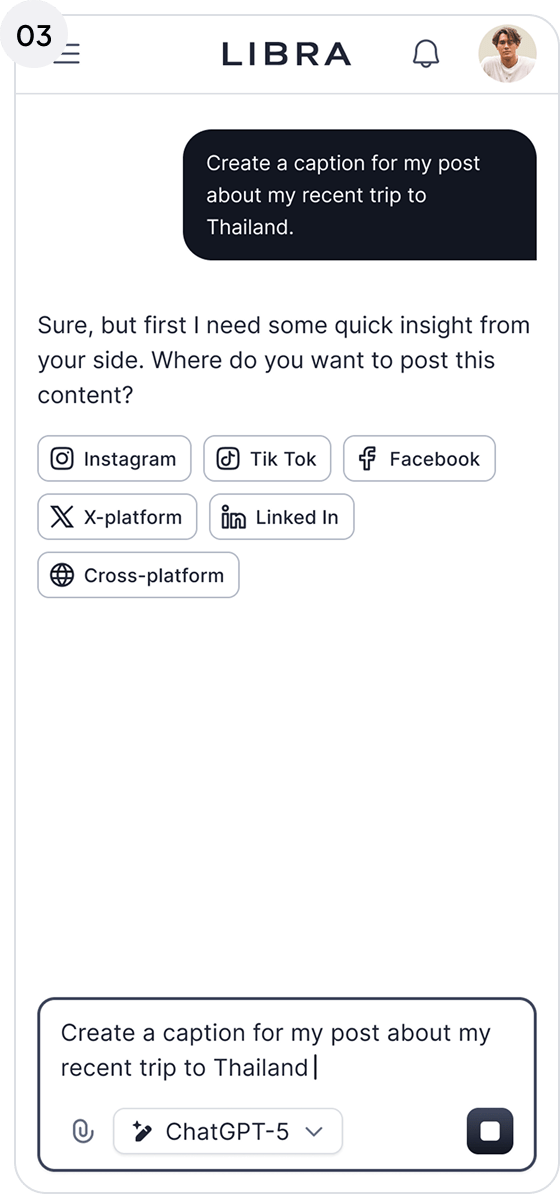
Select the social media platform you plan to publish on so Libra can optimize the content for that platform’s engagement patterns.

Click Generate in the bottom-right corner of the prompt box.
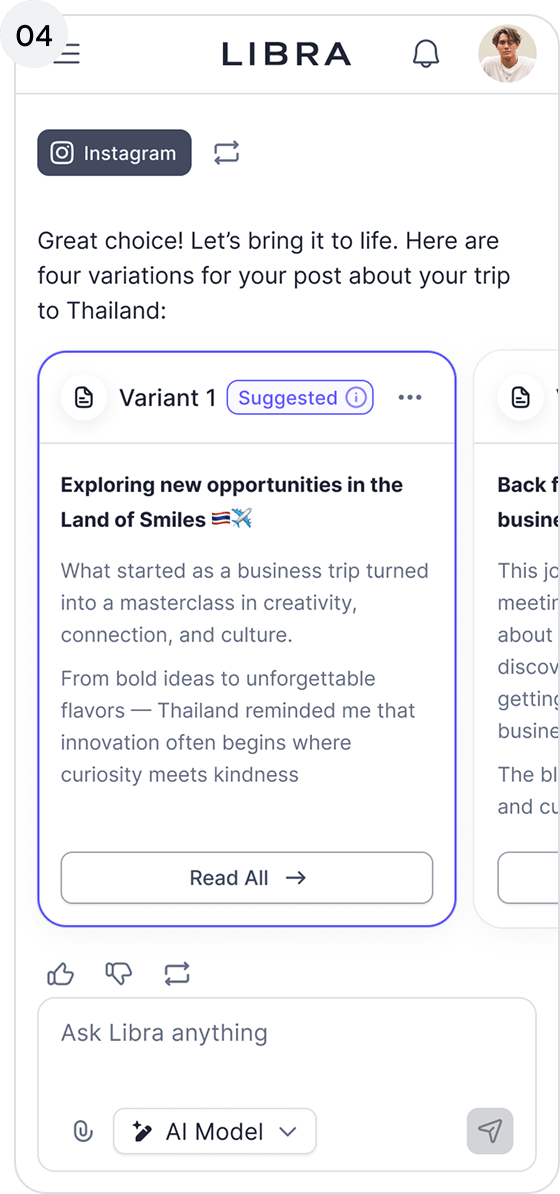
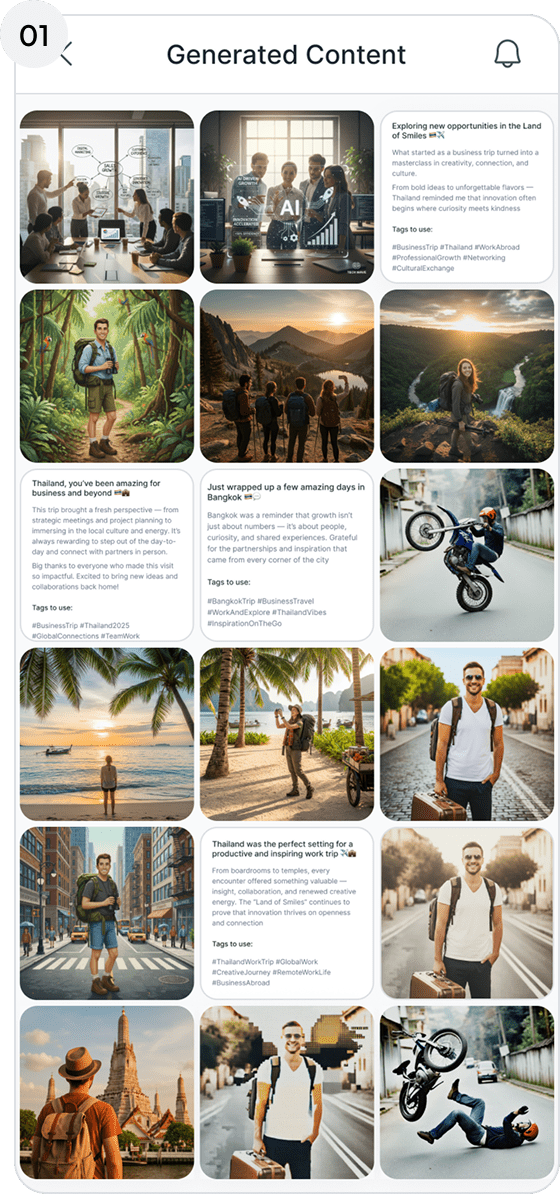
Review the generated variations and select the option that best fits your goals.

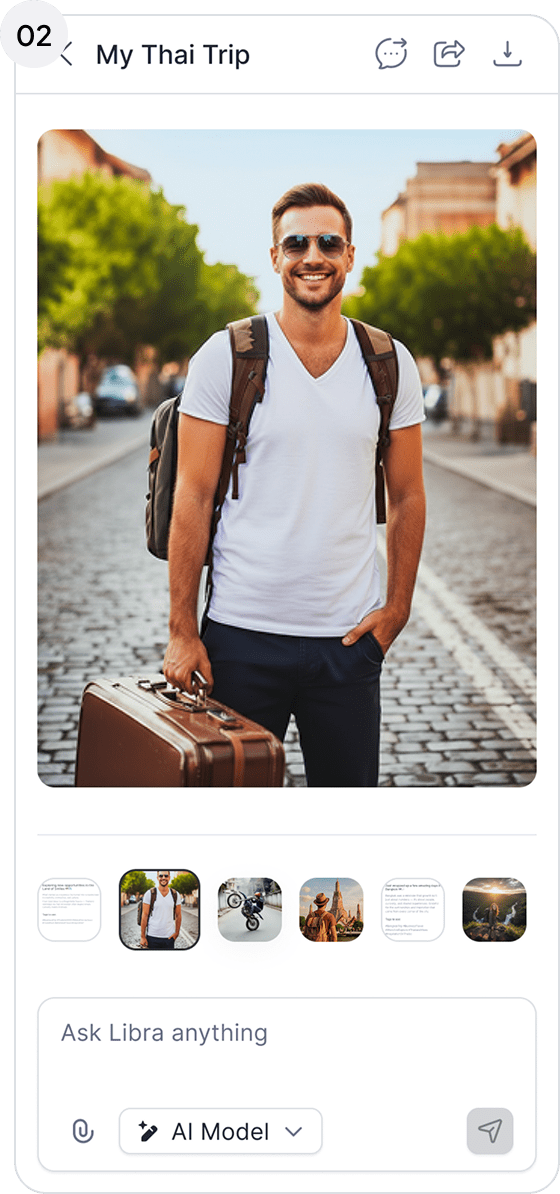
From your Content Library or after generating content, select the content you want to publish.

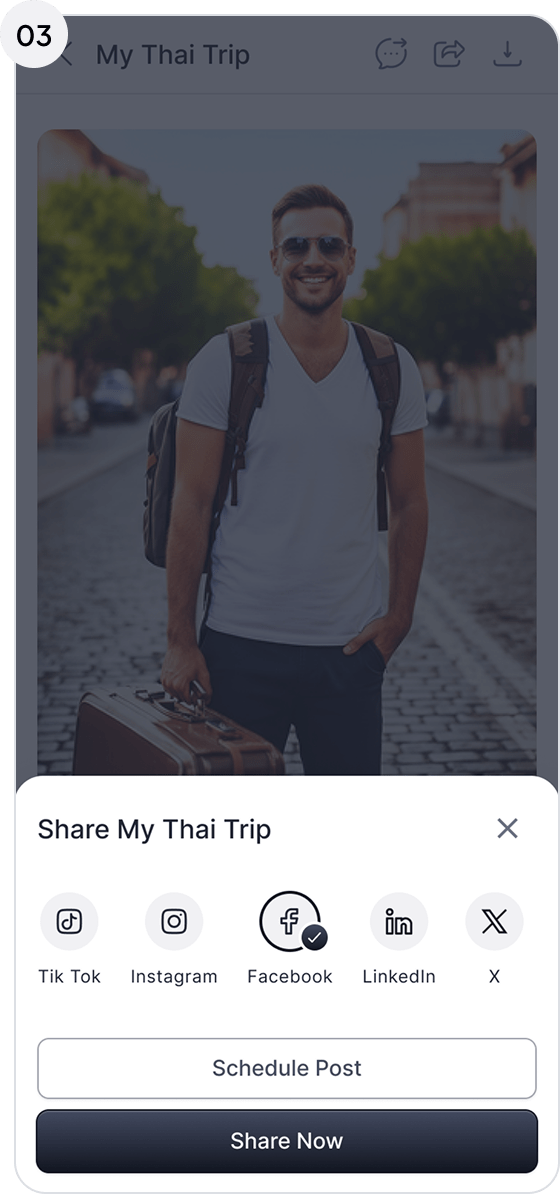
Click the share button on the top right corner of the generated content to access the scheduler.

Select the connected social media account you want to publish your content to.

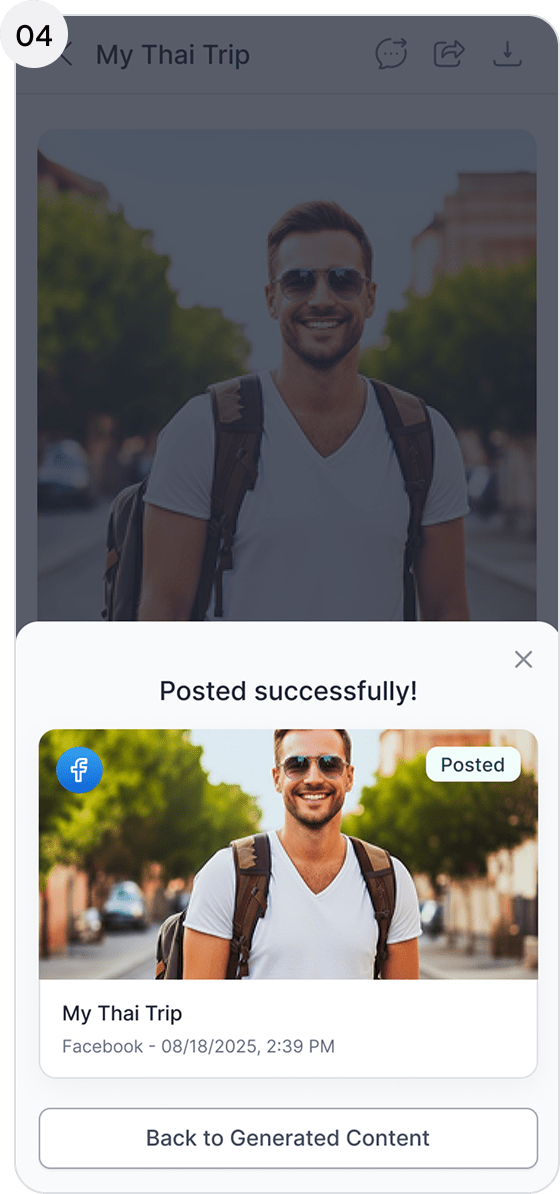
Select a date and time, or click Share Now for immediate publishing.

Absolutely. We understand that collaboration is a critical part of the creative process. Libra allows you to share your work externally collaborators using a secure, unique link—no account required.

To share content, click the Share button in the top-right corner of the generated content and select Email. Enter the recipient’s email address, and they’ll receive a secure link that lets them view the content and leave comments or feedback.

Yes—this is one of Libra’s core features. You can track engagement from published content without ever leaving the workspace.

To review performance, simply click the Engagement dashboard from the top-left of the homepage. The dashboard provides visibility into views, reactions, comments, and shares across
all linked social media platforms.